


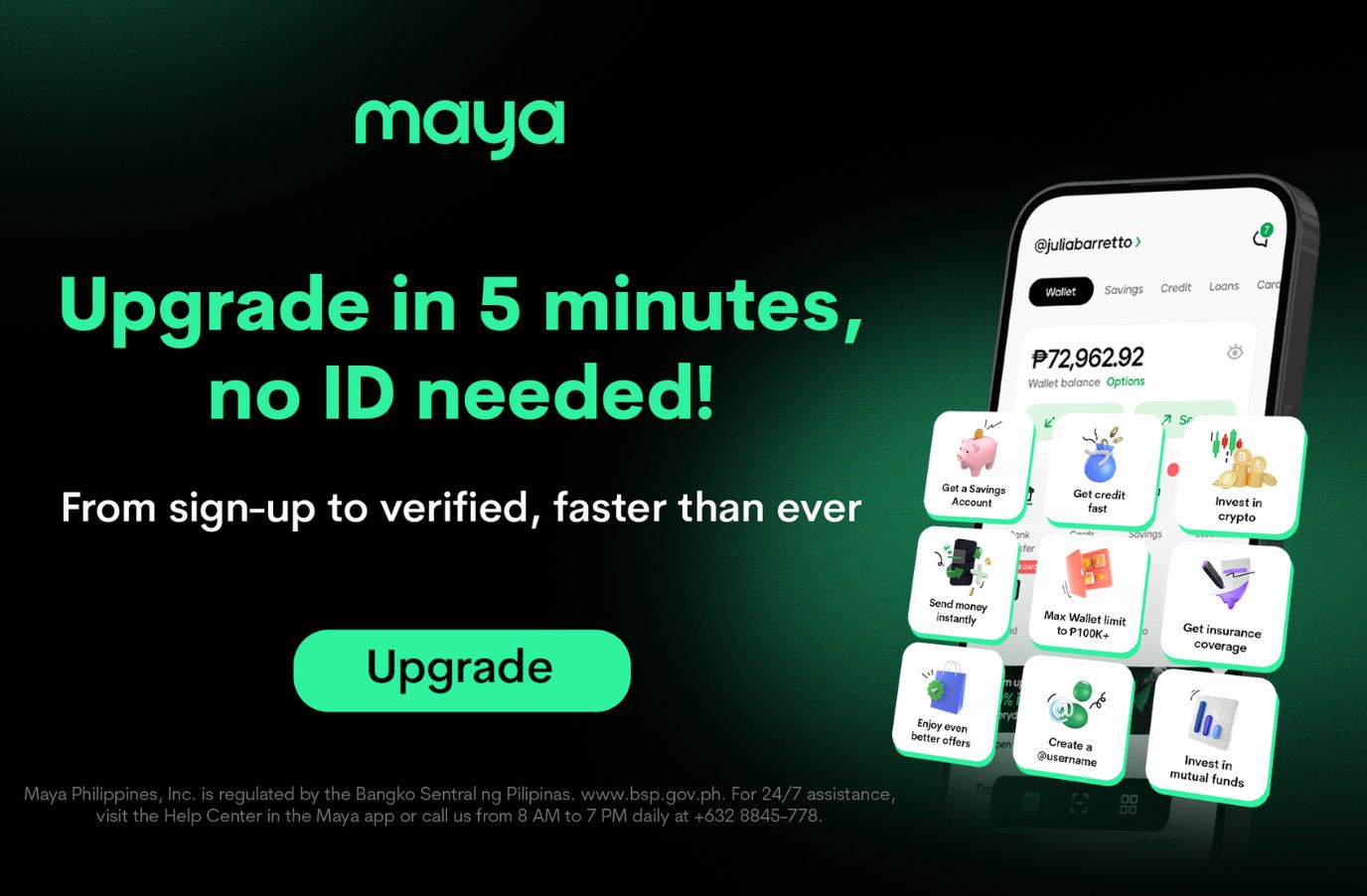
Upgrading a Maya account can now be more convenient for eligible users, who may no longer need to present a physical ID during the verification process.
Through its new ID-less verification feature, Maya allows qualified users to verify their identity without taking a photo of or uploading a physical government-issued ID. Instead, users can begin the process by providing basic personal information they already know, such as their name and birthday.
The verification process works by checking the submitted details against National ID records through National ID eVerify, the identity-verification service of the Philippine Statistics Authority (PSA).
With fewer documents to prepare and less information to manually enter, the new verification option is designed to make upgrading a Maya account more straightforward and convenient for eligible users.
The ID-less verification feature gives users another way to complete the account upgrade process while leveraging the country’s digital identity infrastructure.
Here’s what to expect:
Step 1: No ID on hand? Start with your name and birthday
When prompted, simply enter your name and birthday. Maya will check these against your National ID records through National ID eVerify.
Have your National ID number memorized or saved? You can use that instead. Once your details are successfully verified, there’s no physical ID to photograph or upload.
Step 2: Take a quick video selfie
Next, take a quick video selfie to help confirm your identity. It works together with your National ID verification as part of the identity checks needed to upgrade your account.
Step 3: Fill in only what’s missing
Rather than asking you to enter information that can already be verified, Maya will only ask for additional details if they’re needed.
And that’s it: no digging through your wallet for an ID, no taking a photo of one, and less information to type in.
What happens if Maya can’t verify your information through National ID eVerify? You can simply continue with the regular ID-upload process without having to start over.
The experience may feel lighter on your end, but the necessary safeguards continue behind the scenes. Maya still performs applicable identity verification, screening, and other regulatory checks. AI and automation help handle routine verification work, while cases that need closer attention are routed for human review.
So when it’s time to upgrade your Maya account, you may already have what you need to get started: your name, your birthday, and a quick video selfie. No ID required.
To know more, visit maya.ph or mayabank.ph, and follow @makeyourmoneymaya on Facebook, Instagram, YouTube, and TikTok to stay updated. Maya Philippines, Inc. and Maya Bank, Inc. are regulated by the Bangko Sentral ng Pilipinas. www.bsp.gov.ph. For 24/7 assistance, visit the Help Center in the Maya app or call us from 8 AM to 7 PM daily at +632 8845-7788.
