


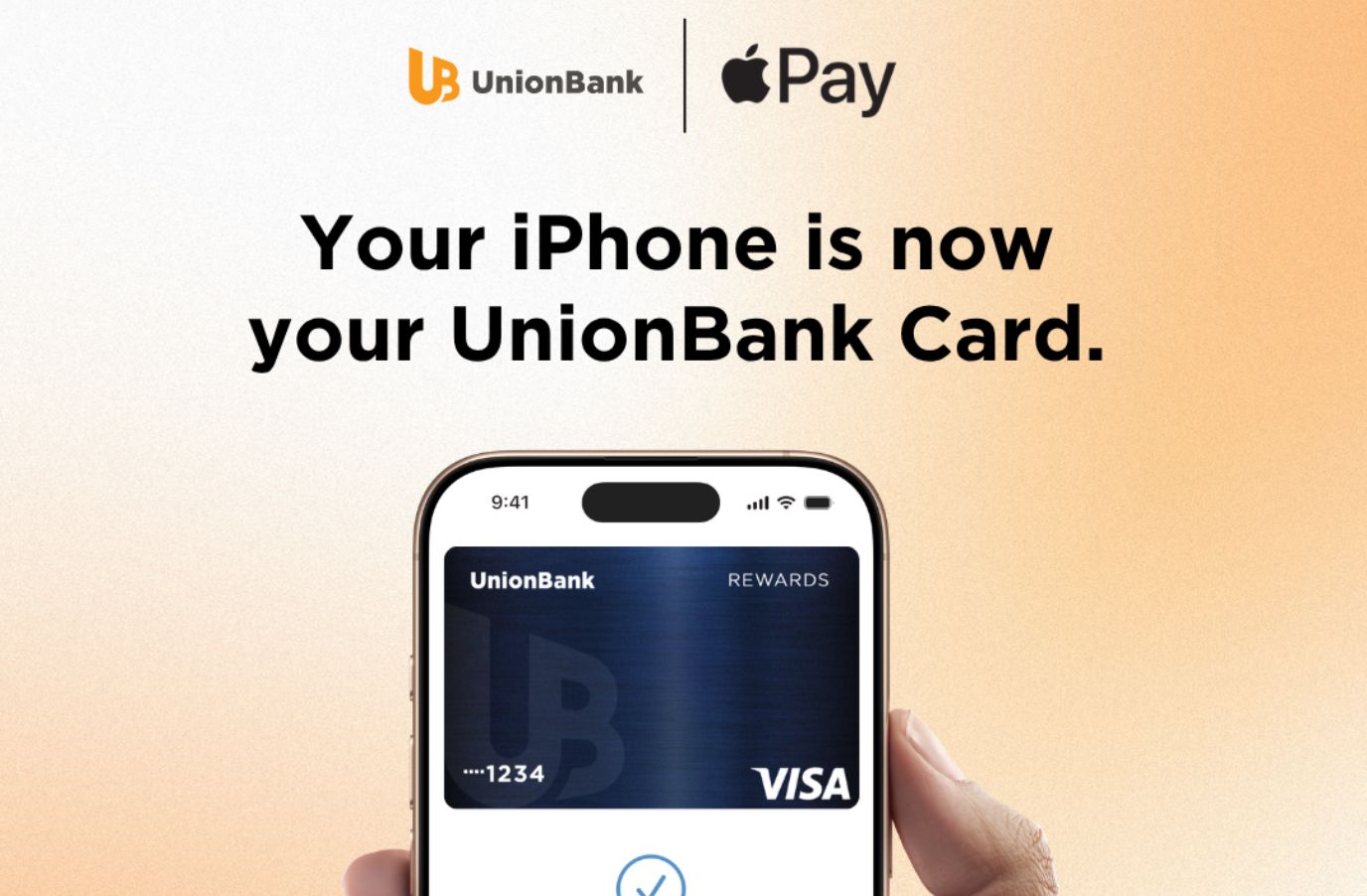
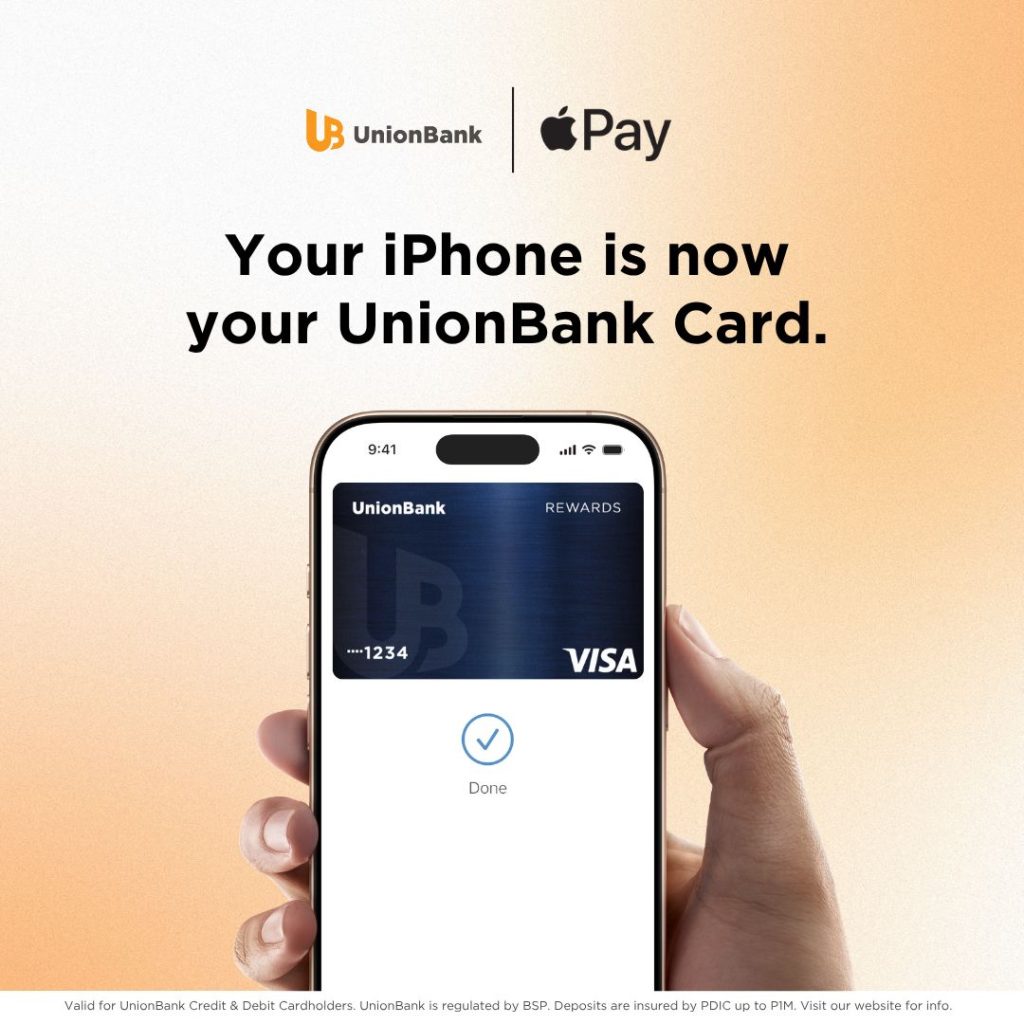
Union Bank of the Philippines (UnionBank) has officially introduced Apple Pay for its cardholders in the Philippines, giving customers a faster, more secure, and more convenient way to make purchases using their iPhone, Apple Watch, iPad, and Mac.
With Apple Pay, UnionBank customers can make contactless payments in stores by simply double-clicking the side button on their iPhone or Apple Watch, authenticating with Face ID, Touch ID, or their device passcode, and holding the device near a compatible payment terminal. Every transaction is protected through biometric authentication or a device passcode, along with a unique, one-time dynamic security code, adding another layer of security to every purchase.
Apple Pay is accepted anywhere contactless payments are supported, including grocery stores, pharmacies, restaurants, coffee shops, retail outlets, and other participating merchants.
“As we continue building a next-generation bank, we’re focused on making everyday banking and payments simpler, safer, and more intuitive. Bringing Apple Pay to UnionBank cardholders enhances the payment experience by allowing customers to pay quickly and securely with the devices they use every day. Whether they’re shopping in-store, online, or in-app, customers can enjoy a more seamless way to pay, with the security and convenience they expect from UnionBank,” said UnionBank President and CEO Ana Aboitiz Delgado.
Beyond in-store purchases, Apple Pay also enables customers to make faster and more convenient payments within apps and on websites using their iPhone, iPad, or Mac. Users no longer need to create accounts or repeatedly enter their contact details, card information, or shipping and billing addresses when checking out.
Privacy and security remain central to the Apple Pay experience. Instead of storing actual card numbers on a user’s device or Apple servers, Apple Pay assigns a unique Device Account Number that is encrypted and securely stored in the Secure Element, an industry-standard certified chip designed to safeguard payment information.
Getting started with Apple Pay is simple. Customers can open the Wallet app on their iPhone, tap the “+” icon, and follow the prompts to add their UnionBank credit or debit card. Once added, the card can also be used with Apple Watch, iPad, and Mac, allowing customers to enjoy seamless payments across their Apple devices while continuing to receive the rewards and benefits offered by their UnionBank cards.
For more information about Apple Pay, visit Apple Philippines’ Apple Pay page. To learn more about UnionBank’s digital banking products and services, visit UnionBank’s official website.
